
NSFW AI Video Generator Pricing: Credits, Clip Length, and What’s Worth Paying For
Understand credits, clip length limits, hidden costs, and what’s worth paying for in NSFW AI video generator pricing—without stale price lists.
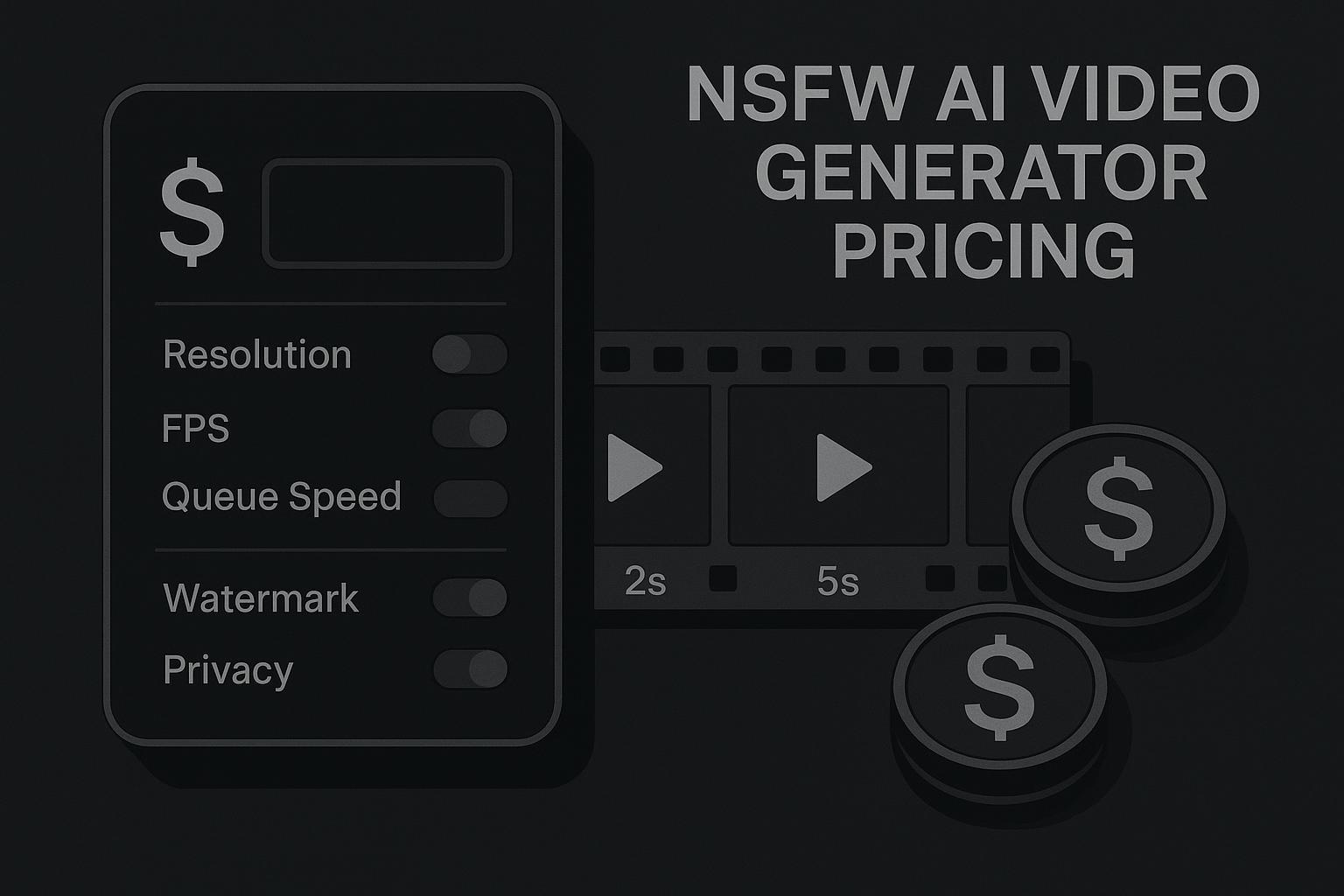
If you’re searching “nsfw ai video generator pricing,” you’re probably past the “what is this?” phase.
You already know the category. What you don’t know (yet) is what the pricing page won’t tell you up front:
How credits actually translate into usable seconds
Which plan limits matter (clip length caps, resolution caps, speed)
Why two tools with the same headline price can feel wildly different once you count retries
This guide is written for comparison-minded buyers. It won’t list competitor prices or pretend they’ll stay accurate. Instead, it gives you the mechanics and the math so you can judge value fast.
Key Takeaway: In AI video, you’re rarely paying for “a video.” You’re paying for frames × quality × iteration—and iteration is where budgets disappear.
How NSFW AI video generator pricing usually works (the 4 models)
Across the industry, pricing tends to fall into four patterns:
1) Credit-based pricing
You buy credits and spend them per generation. The platform assigns higher credit costs to heavier requests.
When it’s a good fit:
Your usage is bursty (some weeks you generate a lot, some weeks none).
You’re experimenting and don’t want a monthly commitment.
Where buyers get burned:
The credit cost quietly jumps for higher resolution, longer clips, or faster queues.
2) Subscription plans with a quota
You pay monthly (or yearly) and get a monthly allotment—credits, seconds, clips, or “fast generations.”
When it’s a good fit:
You generate consistently.
You care about predictability more than perfectly “fair” pay-per-use.
3) Hybrid: subscription + top-ups
A base subscription unlocks features (or a baseline quota), then you buy extra credits when you exceed it.
This model is common because it balances:
predictable access to key features
flexible scaling when you have a heavy week
4) Pure pay-as-you-go
No subscription. You just buy packs and spend them.
It’s simple—but the unit economics matter more, because there’s no “included value” to soften expensive settings.
For a clean framework on when credits beat subscriptions (and why many AI products move between these models over time), see VibePay’s breakdown of credit systems vs subscriptions for AI apps (2025).
Credits, clip length, and why “1 credit = X seconds” is rarely true
Buyers often ask a reasonable question:
“How many credits is a 10-second clip?”
The frustrating answer is: it depends, and the dependence is real.
Even if a tool publishes a “credits per second” number, platforms usually apply multipliers or tier rules based on what you’re requesting.
The variables that move your cost the most
1) Clip length (more frames)
A longer clip means more frames to generate and keep coherent.
2) Resolution (more pixels per frame)
Higher resolution increases compute and memory pressure.
Research groups building open video systems highlight how expensive higher-res video training and generation can get, and how throughput drops as resolution rises—see Open-Sora 2.0’s notes on the compute cost of high-resolution video generation (2026).
3) FPS and motion smoothness
Higher FPS means more frames for the same duration. Some tools handle this as a separate multiplier; others bake it into “quality presets.”
4) Quality presets and inference steps
Some “cinematic” modes are simply more compute per frame.
If you want a readable overview of why video generation is a different beast than images (and why that shows up in pricing units), Hugging Face’s 2025 overview of video generation models is a good grounding reference.
The practical takeaway
When you compare plans, don’t ask “How much is one clip?”
Ask:
What’s the max clip length per generation on this tier?
What’s the resolution cap?
Does higher quality cost more credits?
Do retries cost the same as first tries? (Often: yes.)
What’s actually worth paying for (features that cut your real cost)
The best way to think about upgrades is not “What do I get?”
It’s “What changes my cost per finished clip?”
Faster generation (priority queue) is a budget feature, not a luxury
If you publish consistently, waiting isn’t free.
A slow queue turns into:
fewer iterations per hour
more context switching
more abandoned drafts
In other words: you pay with time even when you’re not paying with credits.
Controls that reduce retries are worth more than extra credits
Most buyers underestimate how many generations they’ll throw away.
Anything that improves keeper rate usually saves more money than a slightly cheaper credit pack:
stronger prompt adherence
better character consistency controls
edit/refine workflows (so you don’t restart from scratch)
If you want a structured framework for “keeper-rate math,” the image-side version is still directly useful for video thinking: NSFW AI generator pricing: free credits vs paid plans.
Watermark removal and usable exports
If the free/entry tier forces a watermark or low-resolution export, you’re not comparing “free vs paid.”
You’re comparing:
testing tier vs publish tier
That’s why a plan can be “cheap” and still not be viable.
Private generation and commercial use rights
Even if you’re a solo creator, privacy can be a real requirement—especially in adult categories.
If private generation is gated behind higher tiers, that changes the value calculation.
Commercial use rights also matter if your output is for monetized content or client work. Treat it like a pricing feature, not legal fine print.
Hidden costs and plan gotchas buyers miss
A lot of “pricing disappointment” isn’t about the base price. It’s about plan mechanics.
Overage pricing and forced upgrades
Watch for systems where:
the included quota looks generous
but the overage unit price is punishing
Sometimes you’re better off choosing the next tier up early if you consistently cross the quota.
Credit rollover and expiration
Two common patterns:
Monthly resets: use it or lose it.
Rollover: unused credits carry forward (sometimes capped).
The most buyer-friendly systems are the ones that are explicit and predictable.
Upgrade/downgrade rules and unused credits
If you’re switching tiers mid-month, check what happens to:
unused credits
your speed/priority limits
your max clip length
Those mechanics affect whether a plan is flexible—or whether you’re “locked in” by how the metering works.
A blunt but useful summary of why revisions and unclear meters become the real cost is captured in a 2026 ‘pricing trap’ reality check on credit burn from revisions.
Subscription vs pay-as-you-go: a decision framework (with simple math)
Here’s a framework you can use without any vendor-specific numbers.
Step 1: Estimate your finished output (not your attempts)
Pick a realistic target:
finished clips per week
average seconds per finished clip
Step 2: Estimate your keeper rate
Be honest:
If you’re experimenting with new styles, keeper rate is lower.
If you’re refining a stable prompt/style, keeper rate is higher.
Step 3: Convert that into a “cost per finished clip” model
Use a simple structure:
Attempts per finished clip = 1 / keeper_rate
Total credit spend roughly scales with:
attempts
seconds per attempt
quality multipliers (resolution/FPS/preset)
So your planning unit becomes:
cost_per_finished_clip ≈ attempts × cost_per_attempt + add-ons
Where add-ons include:
upscaling/export unlocks
watermark removal
fast queue access
Step 4: Choose by usage volatility
A good rule of thumb:
If you generate consistently every week, subscription tiers tend to feel saner.
If you generate in bursts (or only when inspiration hits), pay-as-you-go can be cheaper—if credits don’t expire.
If you want a decision-focused deep dive on “is it worth paying at all,” this is the closest sibling: AI porn generator: free vs paid — is it worth paying?.
Quick “choose your plan” scenarios (no numbers)
Use these as sanity checks:
Scenario A: You’re exploring (high retries, lots of throwaways)
Prioritize:
controls that reduce retries
low-friction top-ups
clear credit metering
Avoid:
plans where quality settings multiply costs without warning
Scenario B: You publish weekly (moderate retries, predictable output)
Prioritize:
subscription quota that matches your steady baseline
fast queue access
export settings you can actually ship
Scenario C: You’re producing longer clips (duration is non-negotiable)
Prioritize:
max clip length per generation
how the platform handles “longer than cap” workflows (stitching, extensions, or repeated generations)
transparent overage pricing
Scenario D: Privacy matters more than anything
Prioritize:
private generation controls
clear data handling policies
Avoid:
workflows that default to public galleries (unless you can disable them)
Free vs paid (briefly): what you can reliably assume
Free tiers are usually great for:
testing prompts
learning the UI
figuring out whether the model’s “look” fits your taste
They’re usually not great for:
publish-ready exports
consistent throughput
privacy-sensitive workflows
If you want a direct “free vs paid” comparison that’s designed as a companion read, start here: DeepSpicy free vs paid comparison.
Why I’m not listing exact prices here (and where to get current rates)
Pricing in this category changes constantly—tiers move, credits get rebalanced, and “included” features shift.
So instead of freezing a price list that will be wrong in a month, the better move is:
Use the framework above to estimate your real usage (keeper rate + clip length + quality)
Check the live pricing page for current credit rates and tier limits
If you want to see current tiers and credits for DeepSpicy, an NSFW AI generation platform covering image, video, art, and uncensored chat, see DeepSpicy pricing.
Next steps
If you’re in “compare mode,” start by plugging your own usage into the cost-per-finished-clip model, then verify caps and metering rules on the live plan page.
If you want to test workflows and controls directly, you can explore DeepSpicy’s NSFW AI video generator.
For the deeper pricing math mindset (keeper-rate, retries, and break-even), keep the earlier link handy—this is the full guide: NSFW AI generator pricing: free credits vs paid plans.
Responsible use note
Only generate content involving consenting adults and fictional characters. Avoid using any real person’s likeness or anything that could be interpreted as non-consensual.