How to Make NSFW AI Videos: A Beginner’s Guide From Prompt to Final Clip
A practical, restrained workflow for making NSFW AI videos—prompt framework, settings logic, negative prompts, and troubleshooting.
Key takeaways
If you’re coming from NSFW AI images, the biggest new challenge in video is temporal consistency (sometimes searched as “temporal consistency AI video”): keeping identity, lighting, and details stable across frames.
Start with short clips (think 3–5 seconds) and subtle motion. Long clips and fast camera moves multiply failure rates.
Treat your workflow like iteration loops: generate → review → change one variable → re-run.
Use prompt frameworks with variables instead of copy-pasting explicit prompts. You’ll get repeatability without drifting into unsafe specificity.
Negative prompts work best as a small, targeted list that attacks specific artifacts (flicker, warping, face drift) rather than a giant “ban list.”
Why NSFW AI video feels harder than NSFW AI images
If you’ve already made NSFW AI images, you know how to dial in a character, a style, and a scene in a single frame.
Video adds a new constraint: the model has to keep that same character and scene coherent across dozens (or hundreds) of frames. When it doesn’t, you get flicker, melting textures, or a face that subtly changes from moment to moment.
In technical terms, this is often described as temporal drift—the loss of visual/spatial/semantic consistency across frames. iMerit’s explainer on “Solving Temporal Drift in AI-Generated Video” is a solid reference for why drift accumulates and why you should evaluate outputs as sequences, not as “good-looking frames.”
What that means in practice: your job is to make it easy for the model to stay consistent.
How to make NSFW AI videos: the safe, repeatable workflow
This workflow is built for fictional adult characters (18+) and stays away from explicit wording.
Step 0: Set your boundaries (so you don’t waste generations)
Before you touch a prompt, decide what you will not generate:
no real people, no celebrity likeness, no face-swaps
no minors or youth-coded features
no non-consensual scenarios
This isn’t just ethics—it’s quality control. The more you push into “risky” territory, the more likely you are to hit tool restrictions, inconsistent outputs, and unusable clips.
Step 1: Build (or pick) one strong reference image
Your reference image is the anchor for identity and style.
Use a clean composition with a clear subject.
Avoid busy backgrounds, tiny patterns, and high-frequency textures.
Keep lighting simple (one key light concept).
If you already have a character system for images, treat it as your starting point. Many of the same tactics transfer directly from stills to video—this is exactly why it’s worth reading how to keep character consistency in NSFW AI images before you chase “longer clips.”
Pro Tip: If your video keeps “melting,” don’t immediately rewrite the prompt. First try a cleaner reference image and simpler motion. It’s often an input problem, not a wording problem.
Step 2: Write a prompt that locks what must not change
For video, your prompt has two jobs:
Specify the subject and scene.
Prevent unwanted change across time.
That means you should explicitly lock:
identity markers (hair, outfit, age category = adult)
lighting setup
camera language
motion type (keep it simple)
You’ll do this with a variable-driven prompt framework in a moment.
Step 3: Generate a short clip (don’t start with “the final version”)
Generate the shortest duration your tool allows that still shows the motion you want.
Why: drift compounds over time. Short clips reduce the surface area for artifacts and make it easier to iterate.
Step 4: Review like an editor (not like a prompt-writer)
Watch the clip twice:
First pass (feel): does the motion look plausible?
Second pass (frames): pause on 3–5 moments and look for: face drift, warping hands, shimmering fabrics, background crawl.
Write down what you see in neutral terms (“lighting pulses,” “texture shimmers,” “jaw changes”), not aesthetic judgments.
Step 5: Re-roll with one change at a time
This is where most people lose time: changing five things and learning nothing.
Instead, pick one lever:
simplify motion
shorten the clip
lock lighting harder
reduce scene complexity
tighten negative prompts
swap to a cleaner reference image
Then re-run.
Step 6: Upscale and stabilize (only after you have a good base clip)
Upscaling and enhancement tools can improve perceived quality, but they can’t rescue a clip with fundamental identity drift.
Get a “clean enough” clip first. Then:
upscale
apply light deflicker/temporal smoothing (carefully)
export
NSFW AI video prompt framework (variables, not explicit copy-paste)
If your goal is a reproducible image to video NSFW workflow, don’t write one brittle “magic prompt.” Write a framework and fill in variables.
The framework
Use this structure and fill in variables:
{subject}: “a fictional adult character (18+) with {identity markers}”
{scene type}: “in a {setting}” (keep it simple)
{style}: “{photoreal / cinematic / stylized}”
{camera}: “{shot type} with {lens/feel if needed}”
{lighting}: “{one lighting setup}”
{motion}: “{one slow motion action}”
Stability locks: “consistent identity, stable textures, stable lighting, no flicker, no warping”
A restrained example (template, not copy-paste)
Subject: “a fictional adult character (18+) with {hair/outfit markers}”
Scene: “in a {scene type}”
Camera: “a {shot type}”
Lighting: “{soft studio lighting / single-key cinematic lighting}”
Motion: “slow {camera move}”
Locks: “consistent face, consistent anatomy, stable background, no shimmer”
If you want more plug-and-play starting points (still with judgment required), pull from a library like 35 copyable NSFW AI prompt templates and convert them into variable blocks instead of pasting them verbatim.
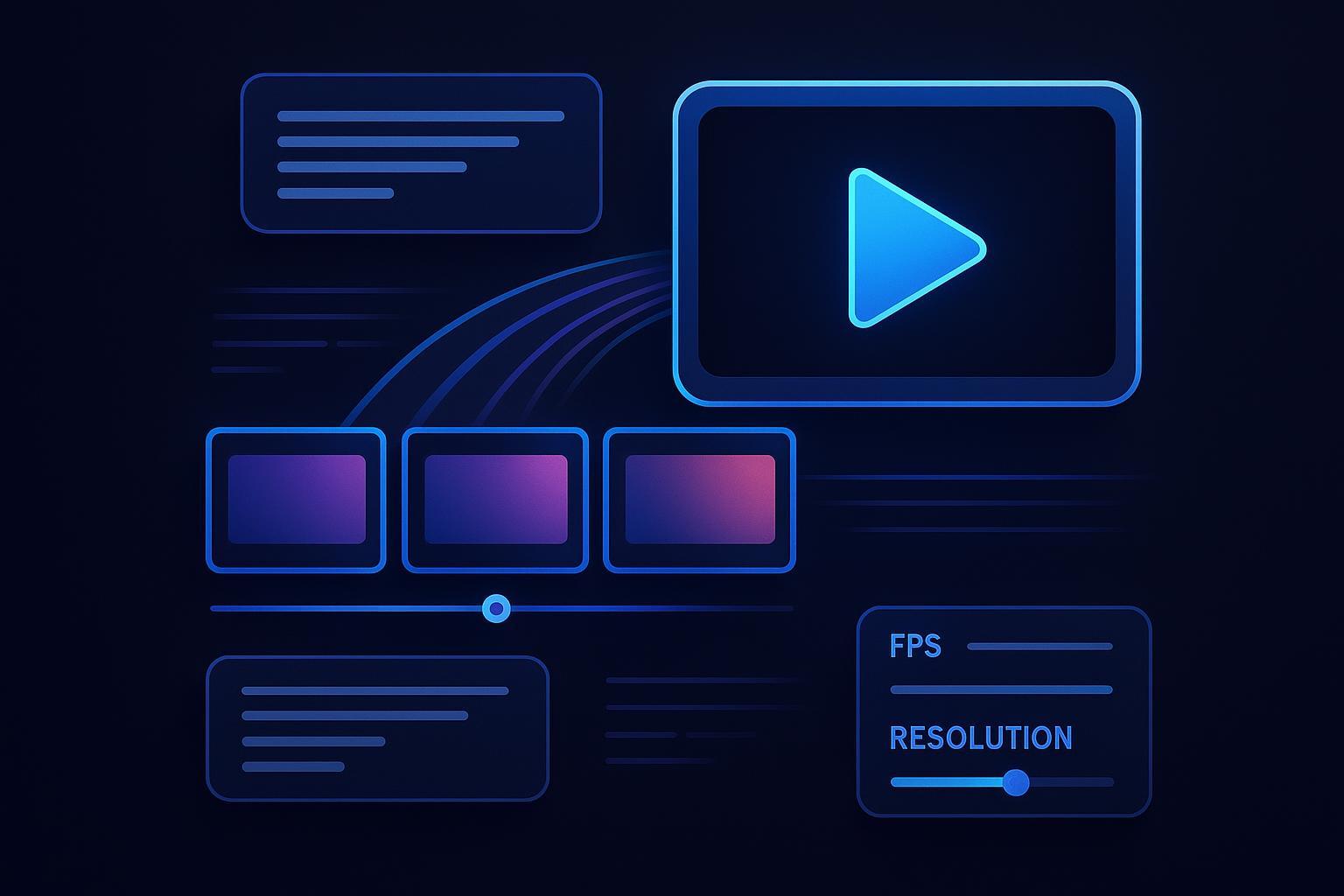
Content Generation Settings: resolution, clip length, FPS, seed
You don’t need perfect settings—you need settings that reduce drift while you iterate.
Clip length: start short, earn longer clips
Most quality problems get worse as clips get longer.
A practical default:
Start around 3–5 seconds for your first “keeper” attempts.
Only move longer after you can generate consistency on demand.
Motion: slow is a feature, not a compromise
Fast motion is where flicker, warping, and identity drift become obvious.
Choose motions like:
slow push-in / pull-out
gentle parallax
subtle head turn
Avoid:
fast pans, spins, whip zooms
complex multi-subject action
dramatic lighting changes
Resolution: generate lower, finish higher
Higher resolution can expose more fine-grain instability.
A pragmatic workflow:
Generate at a moderate resolution your tool handles reliably.
Upscale only once you have a stable clip.
FPS: stability first, smoothness second
A lot of “motion looks bad” complaints are actually “motion looks unstable.” Fix stability before you chase smoothness.
If you’re already stable but slightly choppy, interpolation in post can help. If you’re drifting, FPS tweaks won’t save you.
Seed: treat it like a control knob
If your tool supports seeds, they’re useful for:
reproducing a look you want
iterating in controlled variations
Use a stable seed while you debug. Change it only when you want “new rolls,” not when you’re still fixing fundamentals.
Where DeepSpicy fits (example platform)
At this point in the workflow, you’re choosing a platform and dialing in settings.
If you want to run this as a repeatable image-to-video loop, DeepSpicy’s NSFW AI video generator is built for iterating quickly on short clips (generate → review → change one variable → re-run).
If you want an all-in-one option, DeepSpicy, an NSFW AI generation platform covering image, video, art, and uncensored chat, can be a practical starting point—especially if you’re already doing image work and want a consistent workflow.
Negative prompts: a practical pattern (and why smaller is safer)
Negative prompts are most effective when they’re:
short
targeted
tied to a real artifact you observed
A clean pattern:
Generate a first clip.
List the top 2–3 artifacts you actually see.
Add negatives that target those artifacts.
For a deeper mental model (and a better negative-prompt vocabulary for cleaner outputs), read negative prompts for cleaner NSFW AI images. Many of the same “what to exclude” patterns carry over to video—especially around anatomy mistakes and unwanted texture artifacts.
Key Takeaway: Don’t try to pre-empt every possible mistake with a giant negative prompt list. You’ll often reduce motion quality and get brittle outputs. Target what you can observe.
Troubleshooting: fix the 5 problems that ruin most clips
1) Flicker or shimmer (textures crawl, lighting pulses)
Try this sequence (the classic “fix flicker warping AI video” routine):
simplify your background and fabrics (avoid tiny patterns)
lock one lighting setup in the prompt
reduce motion speed
shorten clip length
apply light deflicker only after the output is close
A practical artifact guide like QuestStudio’s post on reducing flicker and melting emphasizes the same highest-leverage changes: locked lighting and slow motion.
2) Face drift (identity subtly changes)
Common causes:
motion is too complex
the face is too small in frame
lighting changes across the clip
Fixes:
crop tighter on face/upper torso
choose a slower, simpler motion
reduce scene complexity
keep the reference image cleaner
3) Warping or “melting” anatomy
This is usually a stability problem, not a “more detailed prompt” problem.
Fixes:
reduce motion
shorten the clip
simplify scene
regenerate from a cleaner reference image
If you want a quick checklist for the most common prompt errors that lead to these failures, use common NSFW AI prompt mistakes (and fixes) as a debugging guide—not as something to “patch” with more words.
4) Motion looks unnatural (rubberiness, jitter)
reduce motion magnitude
choose a single camera move
avoid mixing multiple actions in one clip
5) Everything looks “almost right” but still unusable
That’s a sign you should stop iterating on the prompt and change the input:
cleaner reference image
simpler background
different pose that’s easier to animate
Responsible-use note (keep it simple)
NSFW AI video should stay in the lane of fictional adult characters (18+) and consensual scenarios. Avoid any workflow that involves real people’s likenesses or face-swapping.
For a broader overview of methods and the ethical risks around deepfakes, Luvr AI’s article on how NSFW AI video works (and why deepfakes are risky) is a useful reference point.
Next steps
Pick one character reference image and run 3–5 short generations.
Keep a simple log of what changed (clip length, motion, lighting) so you can reproduce wins.
Once you have a stable “keeper” clip, upscale and export.
When you’re ready to put the workflow into a repeatable platform flow, use DeepSpicy’s NSFW AI video generator and treat it like a controlled lab: one variable per iteration, short clips first, and stability before spectacle.